Description
RGB Wallpaper







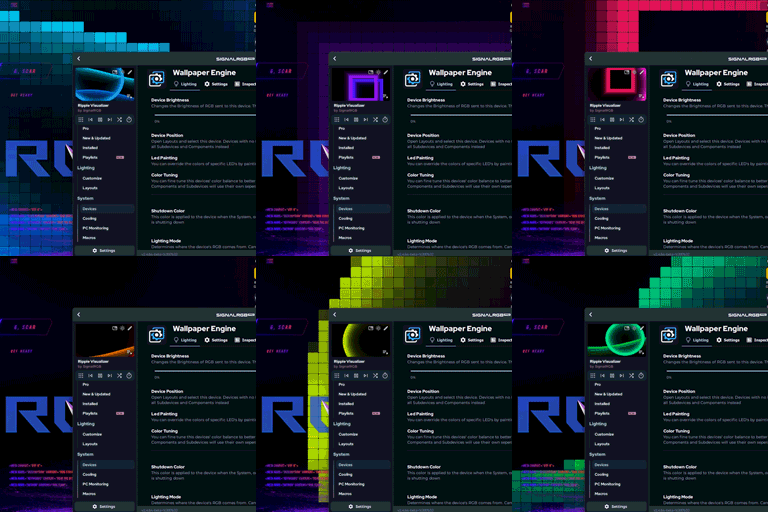
A high-performance desktop wallpaper application built with Avalonia UI targeting .NET 10.0. It translates lighting data from SignalRGB, OpenRGB, or RGBJunkie into custom, hardware-accelerated desktop visuals.
✨ Features
- Hardware-Accelerated Rendering: Custom Skia-based rendering control (
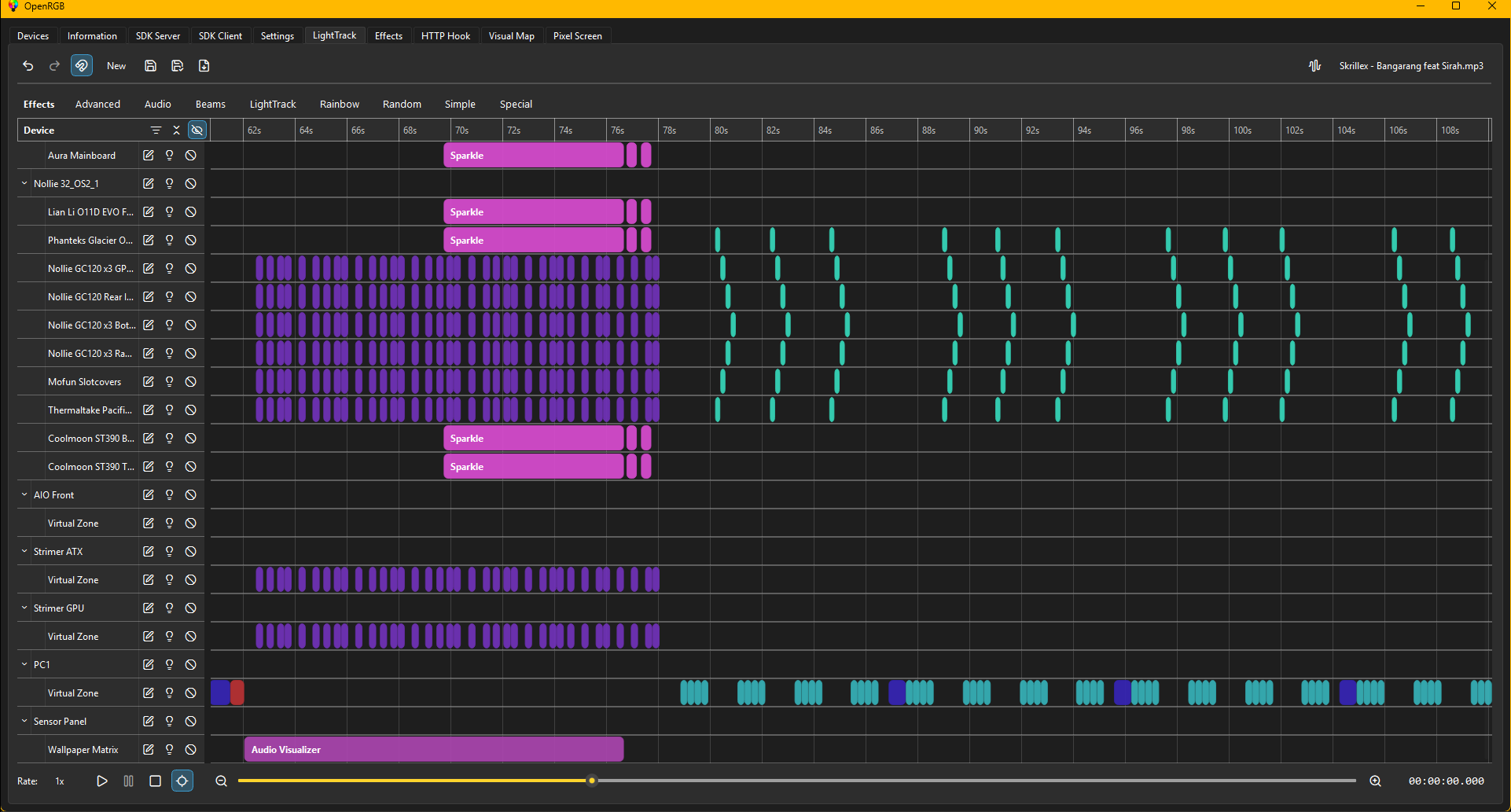
LedCanvas) driving 60+ FPS fluid animations. - Audio Visualization: Integrated loopback audio recording and FFT analysis (via
NAudio) to drive offline music visualizers. - Offline Shaders: Includes built-in shaders for Fire, Aurora, sunset/neon gradients, breathing, and rainbow cycles when local RGB servers are offline.
- Isolated Port Configuration: Port configuration is read from
config.jsoninstead of user state files, ensuring clean configuration management.
💾 Download
Windows
Wallpaper Engine | Lively Wallpaper
Linux
🚧 Prerequisite
- .NET 10.0 Runtime
- Wallpaper Engine | Lively Wallpaper
- OpenRGB | SignalRGB | RGBJunkie
- OpenRGB Wallpaper Plugin | SignalRGB Wallpaper Plugin | RGBJunkie Wallpaper Plugin
⚙️ Configuration (config.json)
The application listens on the UDP port specified in config.json. The file is deployed to the output build directory:
{
  "Port": 8133
}
- Update
Portto match the custom broadcast port set in your SignalRGB, OpenRGB, or RGBJunkie UDP broadcast settings.
🛠️ How to Build
Prerequisites
- .NET 10.0 SDK (or later) installed on your system.
🪟 Building on Windows
On Windows, the application uses native Win32 APIs to hook into the desktop wallpaper structure (WorkerW/Progman) when hosted inside wallpaper managers like Lively Wallpaper and Wallpaper Engine.
1. Compile the Project
Open a shell (PowerShell or Command Prompt) in this project folder (Wallpaper-UI) and run:
Debug Mode (Includes borders and window decorations for local testing and debugging):
dotnet buildRelease Mode (Optimized for deployment and Lively Wallpaper hosting):
dotnet build -c Release
2. Run the Application
You can run the compiled application:
dotnet run
🐧 Building on Linux
Avalonia UI is fully cross-platform and runs natively on Linux (under both X11 and Wayland). The Windows-specific Win32 interop logic is safely wrapped and bypassed on non-Windows platforms.
1. Compile the Project
Open your terminal in this directory and run:
Standard Build:
dotnet buildProduction Publish (Generates a self-contained executable for Linux):
dotnet publish -c Release -r linux-x64 --self-contained true -p:PublishSingleFile=true
2. Run the Application
Run the published executable:
./bin/Release/net10.0/linux-x64/publish/Wallpaper-UI
3. Linux Desktop Integration
Prerequisites
Releases & Changelogs 1
- Created Installer for Windows (Lively Wallpaper & Wallpaper Engine)
Details
- Category
- Plugins
- Latest version
- 2.2.1
- Total downloads
- 0
- Page views
- 2
- First released
- July 26, 2026
- Last updated
- November 18, 2026
Comments 0
No comments yet. Be the first!
Add a YouTube video
Made a showcase or tutorial for this mod? Send the link. It appears in the gallery once it has been approved.
More in Plugins