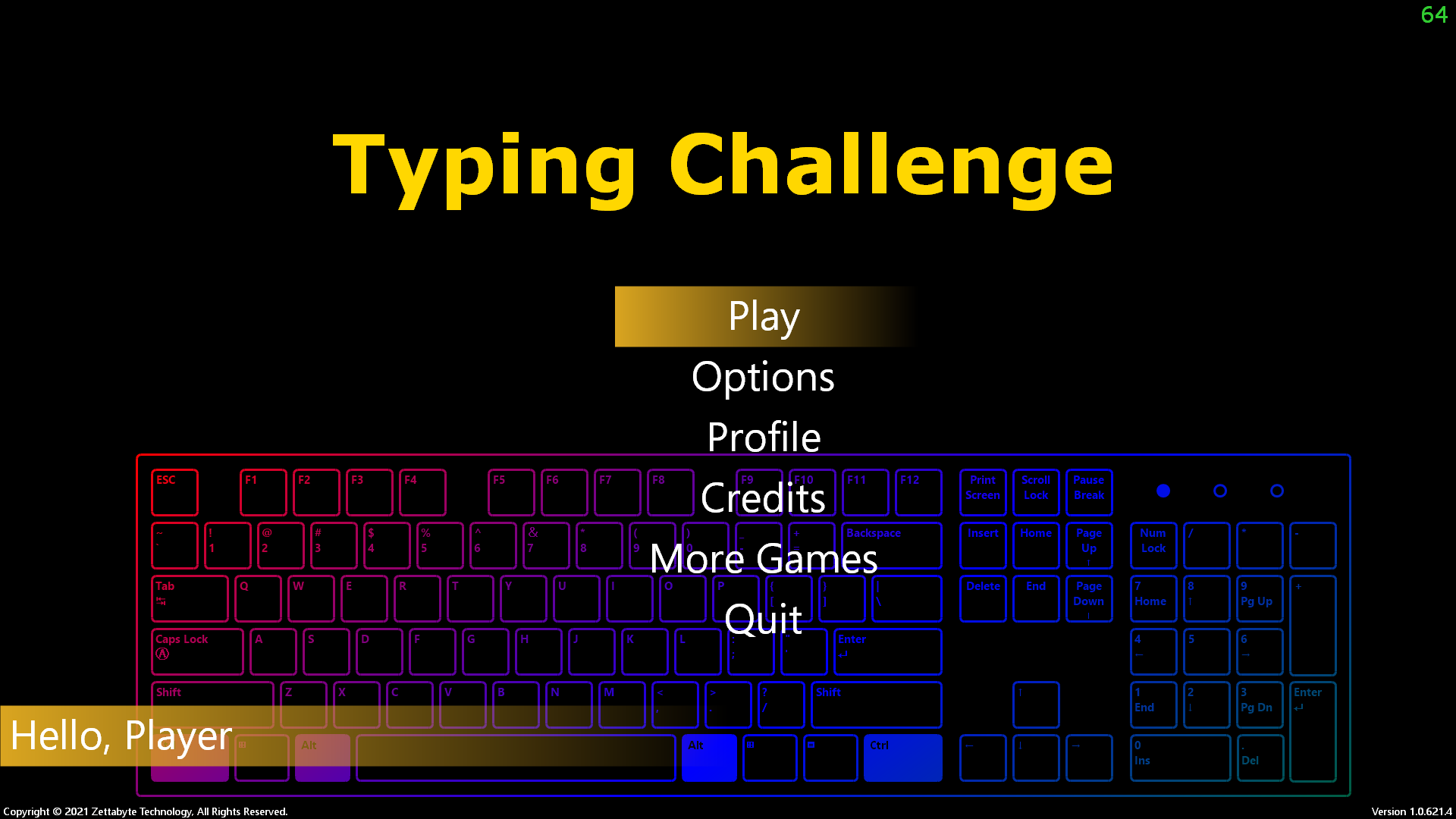
Description
Typing Challenge
Typing Challenge is a Windows desktop typing game built with Visual Basic .NET and Windows Forms. Type the displayed passages before time runs out, keep your lives, and track your score, accuracy, and typing speed.
Features
- Play levels with configurable phrases, time limits, and lives.
- Choose from multiple difficulty settings.
- Review your score, accuracy, and words per minute after a level.
- Customize game options and manage a player profile.
- Add, edit, and organize levels with the built-in level editor.
Requirements
- Windows
- Visual Studio with the .NET desktop development workload
- The .NET Framework 4.5.2 Developer Pack (targeting pack) to build the project
Build
Open TypingChallenge.sln in Visual Studio and build the Release configuration, or run from a Visual Studio Developer Command Prompt:
msbuild .\TypingChallenge.sln /p:Configuration=Release
The application targets .NET Framework 4.5.2. Restore the NuGet packages for the solution if Visual Studio does not do so automatically.
Run
A prebuilt executable is included at TypingChallenge/bin/Release/TypingChallenge.exe. Run it from its output folder so its relative audio and data folders are available.
The game reads and writes its runtime files relative to the current working directory:
data/level.xml— level definitionsdata/profile.xml— player name and level resultsdata/setting.xml— game settingsaudio/— sound effects and background music
Keep these folders alongside the executable, and use the application's output folder as its working directory. When launching from Visual Studio, set the working directory to the selected build output folder (for example, TypingChallenge/bin/Debug).
Controls
- Enter — start a level
- Escape — pause or resume a level
- While paused, Enter returns to level selection
- Type the characters shown on screen to complete the phrase
Level editor
Start the application with the -dev argument to open the level editor instead of the game:
.\TypingChallenge.exe -dev
The editor loads and saves data/level.xml in the current working directory. Back up this file before making changes if you want to keep the original levels.
Project layout
TypingChallenge/Logic/— game screens and gameplay behaviorTypingChallenge/Database/— XML serialization for levels, profiles, and settingsTypingChallenge/Resources/— embedded application imageryTypingChallenge/bin/— prebuilt output and its runtime assetsaudio/bgm/required.txt— note about the background music files expected by the game
Prerequisites
Releases & Changelogs 1
Some UI Improvements
Difficulty selection: Normal, Hard, Very Hard
Added Intro Logo
Major bug fixes
More Levels
Details
- Category
- Games
- Latest version
- 1.0.621.4
- Total downloads
- 0
- Page views
- 2
- First released
- May 24, 2021
- Last updated
- November 19, 2026
Comments 0
No comments yet. Be the first!
Add a YouTube video
Made a showcase or tutorial for this mod? Send the link. It appears in the gallery once it has been approved.

