Drone Mode
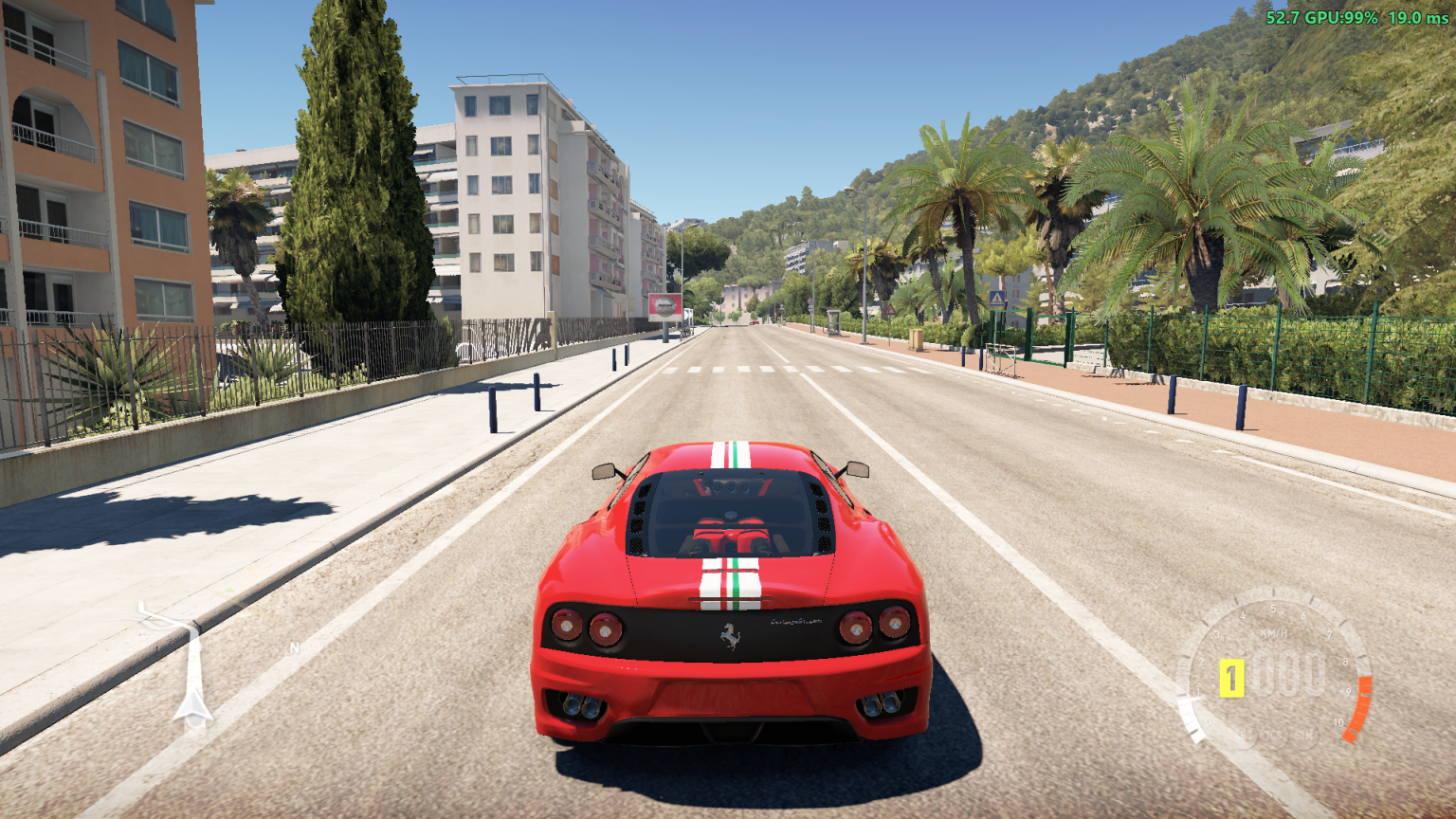
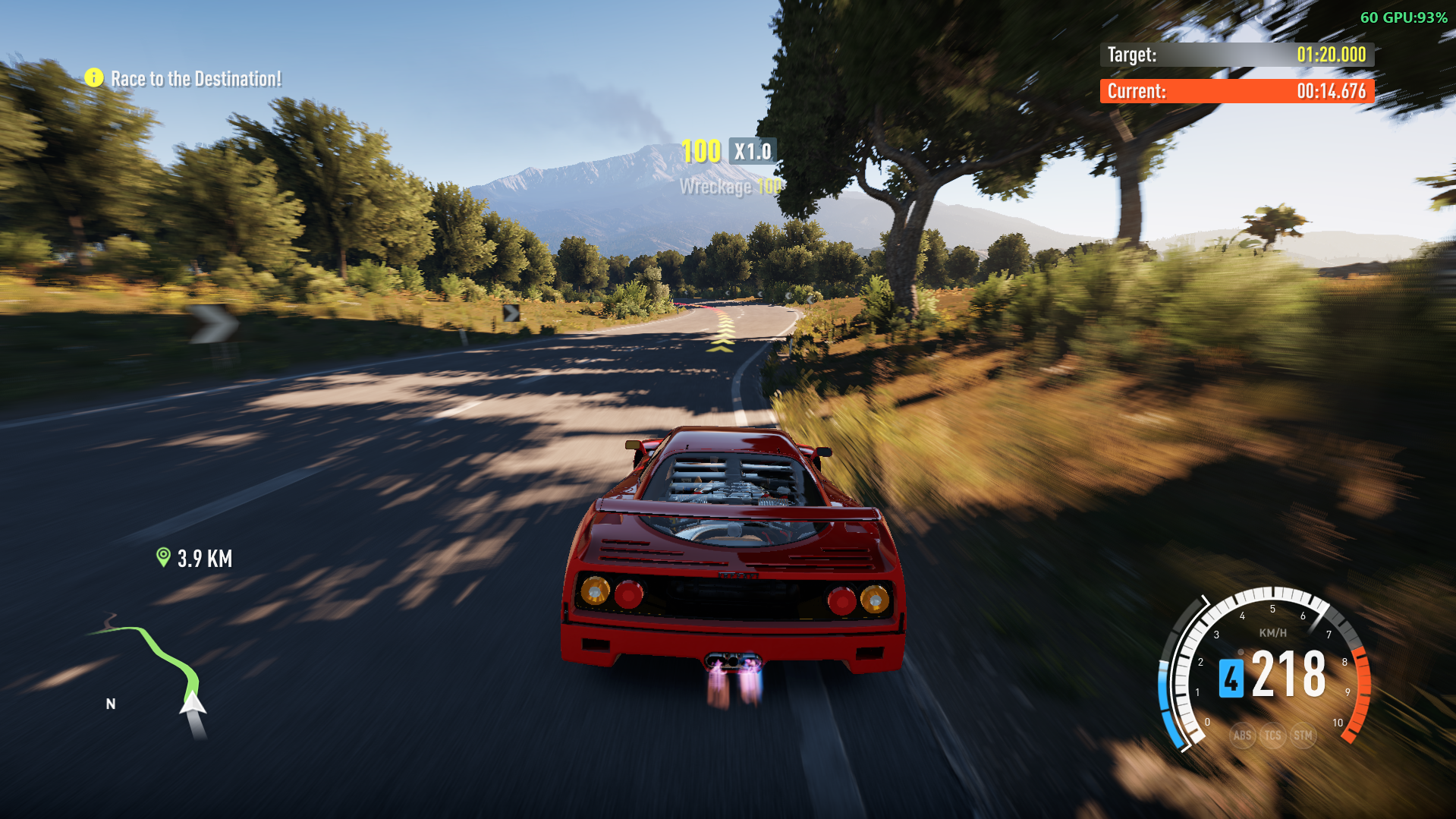
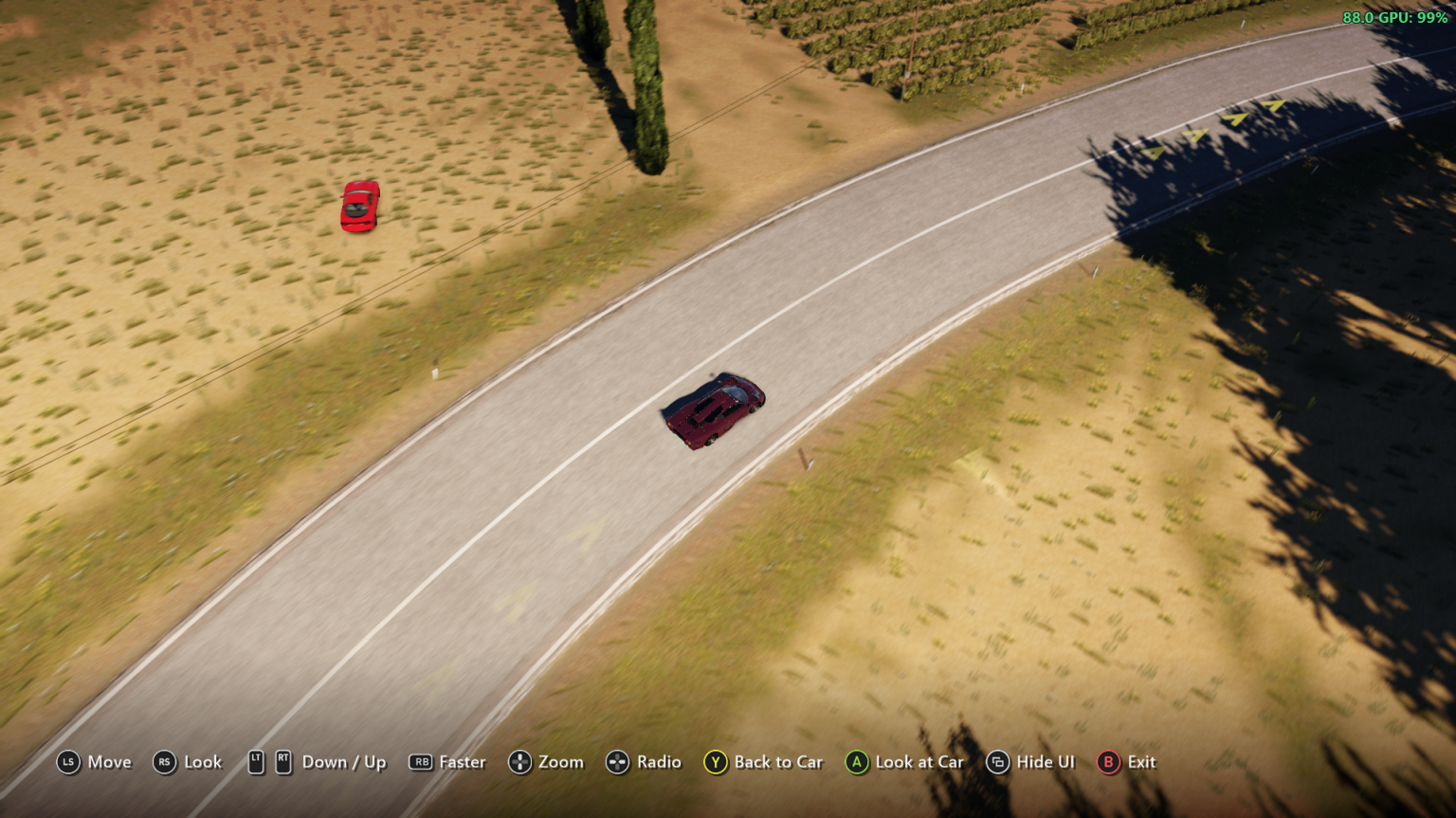
A drone camera for*Forza Horizon 2 on PC (Azimuth), started from ANNA's menu and flown with an Xbox controller. Fly the camera away from your car to look around or take pictures, then come back with one button.
Description
ANNA Drone Mode
A drone camera for Forza Horizon 2 on PC (Azimuth), started from FH2 ANNA's menu and flown with an Xbox controller. Fly the camera away from your car to look around or take pictures, then come back with one button.
ANNA Drone Mode is a mod for the FH2 Mod Platform. It needs FH2 ANNA.
Using it
Tap D-pad down to open ANNA, then choose Drone Mode. The camera rises behind your car and the controller flies it:
| Controller | Does |
|---|---|
| Left stick | Fly forward, back and sideways (forward is where the camera looks) |
| Right stick | Look around |
| RT / LT | Up / down |
| RB (hold) | Faster |
| D-pad up / down (hold) | Zoom in / out |
| D-pad left / right | The game's radio: previous / next station |
| Y | Back to the car |
| A | Look at the car: the camera keeps turning to it as you fly (press again, or use the right stick, to stop) |
| View | Hide / show the button help |
| B or Start | Leave the drone |
With FH2 Mouse & Keyboard installed, the keyboard and mouse fly it too: the mouse looks around, W A S D fly, Q / E go down / up, Left Shift goes faster, the wheel zooms, R is back to the car, F or a left click looks at the car, Tab hides the help, , / . change the station, and Esc or a right click leaves. While you play with the keyboard, the button help shows those keys and the mouse instead of the controller's buttons; press a button on the controller and they come back. FH2Mouse's Keyboard & Mouse page changes the keys. It needs FH2 Mouse & Keyboard 1.5.0 or later. Another mod can do the same through include/dronemode.h.
The HUD hides while you fly, and the buttons show along the bottom of the screen, as in photo mode, with the game's own button pictures (read from your game's files when the drone starts). When the drone starts, the car brakes hard to a stop (about 2.5 g) and stays put. With FH2 ANNA's Auto Drive on, the car drives on instead, and the drone moves along with it so you keep up. The drone stays within 400 m of the car. Drone Mode is greyed out when it can't start, for example during Auto Drive's cinematic shots or while a menu is open.
The button help is a window drawn over the game's, so it shows when the game runs windowed or borderless, not in exclusive fullscreen.
Languages
Drone Mode, the button help, the radio banner and the settings follow the game's text language: English, French, German, Italian, Spanish (Spain and Mexico), Brazilian Portuguese, Dutch, Polish, Russian, Japanese, Korean and Traditional Chinese. Czech and Hungarian stay in English, as the game does. The translations go through the FH2 Mod Platform, so they need platform 2.9.0 or later (which the release zip ships); with an older one everything is in English.
To fix or add a translation, edit or create l10n/<language>.po (from l10n/ANNADroneMode.pot). To try yours without a build, put it in fh2-mods\lang\ANNA Drone Mode\<language>.po and start the game: it's used instead of the built-in one. See the platform's translating guide.
Settings
On Pause > MODS > YOUR MODS > ANNA Drone Mode (Pause > Settings > MODS opens the same list):
| Setting | Default | Does |
|---|---|---|
| Drone: invert look | Off | Right stick up looks down |
| Drone: collide with the world | On | Off: the drone flies through the ground and buildings |
It's saved in fh2-mods\ANNADroneMode.ini.
Installing
- Install FH2 ANNA first: 1.1.0 or later, for Auto Drive to keep driving in races while the drone flies.
- Download the latest
ANNADroneMode-<version>.zipfrom Releases and extract it into your Azimuth folder, the one withazimuth.exein it. You should end up withANNADroneMode.dllin thefh2-modsfolder.
Building
You need CMake and either Visual Studio 2022 or llvm-mingw. The FH2 Mod Platform is a submodule:
git clone --recursive https://github.com/qiangqiang101/ANNA-DroneMode.git
cd ANNA-DroneMode

# Visual Studio 2022
cmake -S . -B build -G "Visual Studio 17 2022" -A x64
cmake --build build --config Release --target annadronemode   # build/Release/ANNADroneMode.dll

# or llvm-mingw (what the release workflow uses)
cmake -S . -B build -G Ninja -DCMAKE_TOOLCHAIN_FILE=platform/cmake/mingw-w64-x86_64.cmake -DCMAKE_BUILD_TYPE=Release
cmake --build build --target annadronemode                    # build/ANNADroneMode.dll
include/fh2anna.h is FH2 ANNA's interface, copied from its repo.
Credits
- FH2 Camera Mods by Deuquan: where the cockpit cameras' position, direction and car-drawing slots were found.
- FH2 Mod Platform, which includes MinHook.
Prerequisites
Releases & Changelogs 1
A maintenance release: ANNA Drone Mode now ships FH2 Mod Platform 2.9.0 and uses its built-in translations.
What's new
- FH2 Mod Platform 2.9.0. The zip now ships the latest platform. Among other things, every mod gets its own settings page, under Pause > MODS > YOUR MODS, and the platform's menus follow the game's language. See the platform's release notes for everything else.
- Settings follow your language straight away. Drone Mode's settings and its description on the MODS page now switch as soon as the game's language changes, instead of on the next launch.
- Easier to translate. The translations are now standard
.pofiles in the repo'sl10nfolder. Translators can try theirs in game without a build by putting it infh2-mods\lang\ANNA Drone Mode\<language>.po. Corrections and new languages are welcome as pull requests.
Fixes
- The French label for Drone: collide with the world was too long for the menu. It now reads "Drone : collision au décor".
Where are the settings?
Pause > MODS > YOUR MODS > ANNA Drone Mode (Pause > Settings > MODS opens the same list):
- Drone: invert look (off by default): right stick up looks down
- Drone: collide with the world (on by default): turn off to fly through the ground and buildings
Requirements
- Forza Horizon 2 on PC through Azimuth
- FH2 Mod Platform 2.9.0 or later, included in the zip. On an older platform, Drone Mode still works, but its text is all in English.
- FH2 ANNA 1.1.0 or later
Installing
Extract ANNADroneMode-1.1.1.zip into your Azimuth folder (the one with azimuth.exe), replacing the old files.
Keep the platform at 2.9.0: if you unpack another mod's zip afterwards that ships an older platform, it puts that one back. Reinstall a mod that ships 2.9.0, such as this one, if your settings page or translations go missing.
Details
- Game / Software
- Forza Horizon 2
- Category
- Scripts
- Latest version
- 1.1.1
- Total downloads
- 0
- Page views
- 1
- First released
- November 8, 2026
- Last updated
- November 19, 2026
Comments 0
No comments yet. Be the first!
Add a YouTube video
Made a showcase or tutorial for this mod? Send the link. It appears in the gallery once it has been approved.
More in Forza Horizon 2